
To learn how to build a trading bot, start by defining a trading strategy, choosing Python as your programming language, selecting an exchange API, collecting market data, coding the bot, implementing risk management rules, backtesting performance, deploying the bot to a live environment, and continuously monitoring and optimizing results.
Introduction
Financial markets have become increasingly automated over the past decade. Today, hedge funds, proprietary trading firms, and even retail traders rely on algorithms to analyze market conditions and execute trades faster than humans can.
As a result, many aspiring traders want to know how to build a trading bot that can automate trading decisions, remove emotional bias, and potentially improve efficiency.
The good news is that modern tools, cloud infrastructure, and open-source libraries have made automated trading more accessible than ever. You no longer need a Wall Street budget or a computer science degree to create a functional trading bot.
Whether you’re interested in stocks, forex, or cryptocurrencies, this guide will explain how to create a trading bot, the technologies involved, the role of Python, and the best practices for setting up trading bots successfully.
What Is a Trading Bot?
Definition
A trading bot is a software program that automatically analyzes market data and executes buy or sell orders based on predefined trading rules.
Unlike manual trading, bots can:
- Monitor markets 24/7
- Execute trades instantly
- Follow strategies consistently
- Remove emotional decision-making
- Process large amounts of data
Modern trading bots are commonly used across:
- Stock markets
- Cryptocurrency exchanges
- Forex markets
- Commodity markets
Why Build a Trading Bot?
Many traders choose automation because it offers several advantages.
Faster Execution
Bots react to market conditions in milliseconds.
Emotion-Free Trading
Fear and greed often lead to poor decisions.
Bots follow predefined rules.
Continuous Monitoring
Unlike humans, bots never need sleep.
Scalability
One bot can monitor hundreds of assets simultaneously.
Consistency
Every trade follows the same logic and risk parameters.
Essential Components of a Trading Bot
Before learning how to make a trading bot, it’s important to understand the core building blocks.
Trading Strategy
The strategy defines:
- Entry rules
- Exit rules
- Risk management
- Position sizing
Without a strategy, a bot is simply executing random trades.
Market Data
The bot requires access to:
- Price data
- Volume data
- Order book information
- Technical indicators
Exchange API
APIs allow the bot to communicate with brokers or exchanges.
Common examples include:
- Binance API
- Coinbase API
- Alpaca API
- Interactive Brokers API
Risk Management System
Risk controls protect capital through:
- Stop losses
- Position limits
- Daily loss caps
- Profit targets
Monitoring System
Bots should continuously track:
- Performance
- Errors
- Market conditions
How to Build a Trading Bot: Step-by-Step Guide
Step 1: Define Your Trading Strategy
Every successful bot starts with a clear strategy.
Examples include:
- Trend following
- Mean reversion
- Breakout trading
- Grid trading
- Arbitrage
Ask yourself:
- When will the bot enter trades?
- When will it exit?
- How much risk is acceptable?
Step 2: Choose a Programming Language
For most beginners, Python is the best option.
Why Python?
Python offers:
- Simple syntax
- Extensive documentation
- Large developer community
- Powerful financial libraries
This is why most modern python trading bot projects are built using Python.
Popular Python Libraries
- Pandas
- NumPy
- Matplotlib
- TA-Lib
- CCXT
- Backtrader
Step 3: Connect to an Exchange API
The bot must interact with a broker or exchange.
Typical API functions include:
- Retrieving market data
- Placing orders
- Managing positions
- Accessing account balances
Example Workflow
- Request market data.
- Analyze conditions.
- Generate signals.
- Execute trades.
- Monitor positions.
This forms the foundation of setting up trading bots.
Step 4: Collect and Process Market Data
Reliable data is critical.
Your bot should gather:
- Historical prices
- Real-time market data
- Trading volume
- Volatility metrics
Data quality directly affects strategy performance.
Step 5: Develop the Trading Logic
The trading logic transforms market information into actionable decisions.
Example Strategy
Buy when:
- 50-day moving average crosses above the 200-day moving average.
Sell when:
- The crossover reverses.
The bot continuously checks whether these conditions are met.
Step 6: Add Risk Management Rules
Risk management often determines long-term success more than entry signals.
Essential Controls
Stop Losses
Limit downside risk.
Take Profit Levels
Lock in gains automatically.
Position Sizing
Prevent overexposure.
Daily Loss Limits
Protect against extreme volatility.
Professional traders prioritize risk management before pursuing profits.
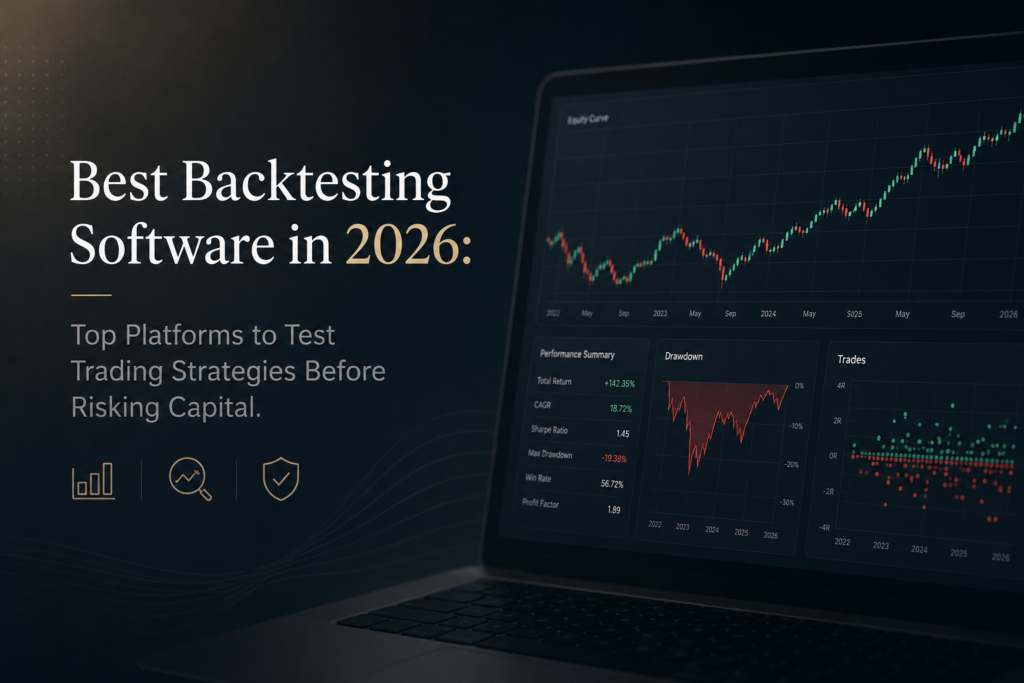
Step 7: Backtest Your Trading Bot
What Is Backtesting?
Backtesting evaluates how a strategy would have performed using historical data.
Benefits include:
- Performance validation
- Risk assessment
- Strategy optimization
Key Metrics
Analyze:
- Win rate
- Maximum drawdown
- Profit factor
- Sharpe ratio
- Risk-adjusted returns
A strategy should demonstrate consistency before moving to live markets.
Step 8: Paper Trade Before Going Live
Paper trading allows you to test the bot in real market conditions without risking money.
Advantages include:
- Identifying bugs
- Testing execution speed
- Evaluating stability
Many beginners skip this step and regret it later.
Step 9: Deploy the Trading Bot
Once testing is complete, the bot can be deployed.
Deployment Options
Local Computer
Simple but dependent on uptime.
Cloud Servers
More reliable and scalable.
Popular providers include:
- AWS
- Google Cloud
- Microsoft Azure
Cloud deployment is often preferred for continuous operation.
Step 10: Monitor and Optimize
Even after deployment, your work isn’t finished.
Monitor:
- Trading performance
- Market changes
- API reliability
- Risk metrics
Markets evolve, and bots must adapt.
Python Trading Bot Example Workflow
A simplified python trading bot process looks like this:
- Fetch market data.
- Calculate indicators.
- Generate buy or sell signals.
- Apply risk controls.
- Execute orders.
- Log results.
- Repeat continuously.
This cycle forms the foundation of most automated trading systems.
Common Mistakes When Setting Up Trading Bots
Overcomplicating the Strategy
Simple strategies often outperform complex ones.
Ignoring Risk Management
Even profitable strategies can fail without proper controls.
Overfitting Historical Data
A strategy should work in unseen market conditions.
Poor Data Quality
Bad data produces unreliable results.
Lack of Monitoring
Automation does not eliminate responsibility.
Bots still require supervision.
Tools and Platforms for Building Trading Bots
Programming Tools
- Python
- Visual Studio Code
- Jupyter Notebook
Backtesting Platforms
- Backtrader
- QuantConnect
- Zipline
Exchange APIs
- Binance
- Coinbase
- Alpaca
- Interactive Brokers
Cloud Infrastructure
- AWS
- Azure
- Google Cloud
These tools simplify the process of learning how to create a trading bot.
Real-World Example
Imagine a cryptocurrency trader building a Bitcoin trend-following bot.
The bot:
- Monitors moving averages.
- Buys during bullish crossovers.
- Applies a 5% stop loss.
- Uses a trailing stop to protect gains.
- Automatically exits when the trend weakens.
This system can operate continuously without manual intervention.
Internal Linking Opportunities
Consider linking this article to:
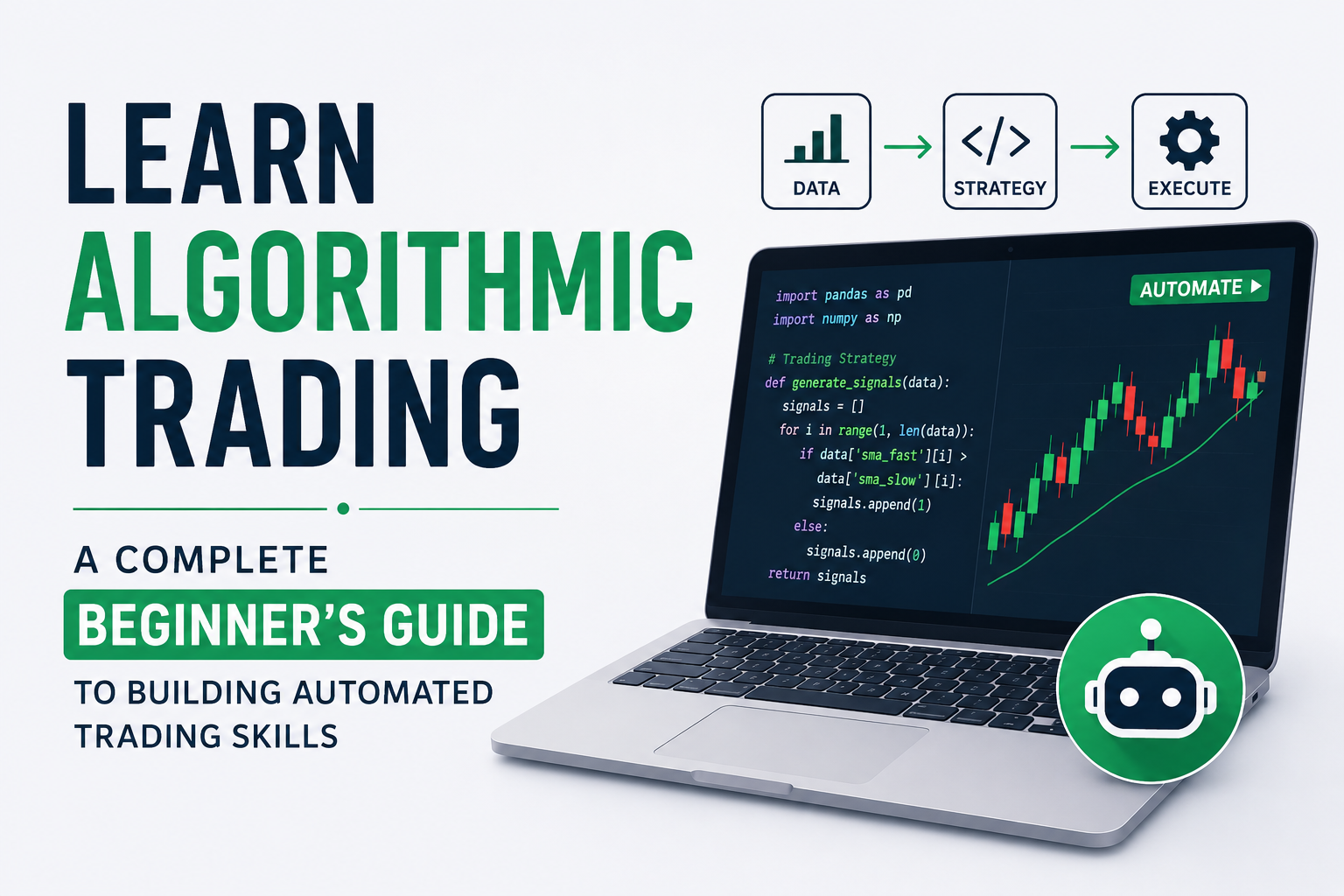
- Learn Algorithmic Trading
- Best Trading Bot Strategies
- Cryptocurrency Trading for Beginners
- Risk Management in Trading
- Python for Finance and Trading
External Authoritative References
For additional learning, consider:
FAQ
How to build a trading bot from scratch?
Start by defining a strategy, choosing Python, connecting to an exchange API, collecting data, coding trading logic, adding risk management, backtesting, and deploying the bot.
How to create a trading bot without coding experience?
Many no-code and low-code platforms exist, but learning basic Python significantly improves flexibility and customization.
Is Python the best language for trading bots?
Yes. Python is widely used because of its simplicity, extensive libraries, and strong community support.
How much does it cost to build a trading bot?
Costs vary depending on infrastructure, data providers, and cloud hosting requirements. Basic bots can be developed at minimal cost.
Can beginners build trading bots?
Yes. With modern tutorials, APIs, and development tools, beginners can create functional bots with a reasonable learning commitment.
Do trading bots guarantee profits?
No. Trading bots automate strategies but cannot eliminate market risk.
How often should a trading bot be monitored?
Performance should be reviewed regularly, especially during changing market conditions.
Conclusion
Understanding how to build a trading bot is one of the most valuable skills modern traders can develop. By combining a clear strategy, Python programming, reliable market data, robust risk management, and continuous optimization, traders can create automated systems that operate efficiently and consistently.
Whether your goal is to learn how to create a trading bot for cryptocurrency trading, stock investing, or forex markets, the process follows the same foundation: strategy, coding, testing, deployment, and monitoring. While building a successful bot requires effort and ongoing learning, the long-term benefits of automation, scalability, and disciplined execution make it a worthwhile investment.
If you’re serious about automated trading, start small, focus on building a simple Python trading bot, and gradually expand your system as your skills and confidence grow.